

The number of professional headshots generated by AI models in 2026 now outpaces those taken with DSLR cameras. Our team committed $2,000 to $4,000 throughout 2025, running over a hundred AI headshot generators through their paces. We weren’t just looking for volume.
We were hunting for consistency and true likeness. The common pitfall? Many tools fail on identity retention, struggling to maintain your actual facial characteristics across different poses or outfits. And frankly, forcing an awkward smile is not a professional portrait. Because you shouldn’t have to compromise on looking like yourself.
Table of Contents
How AI models create professional portraits
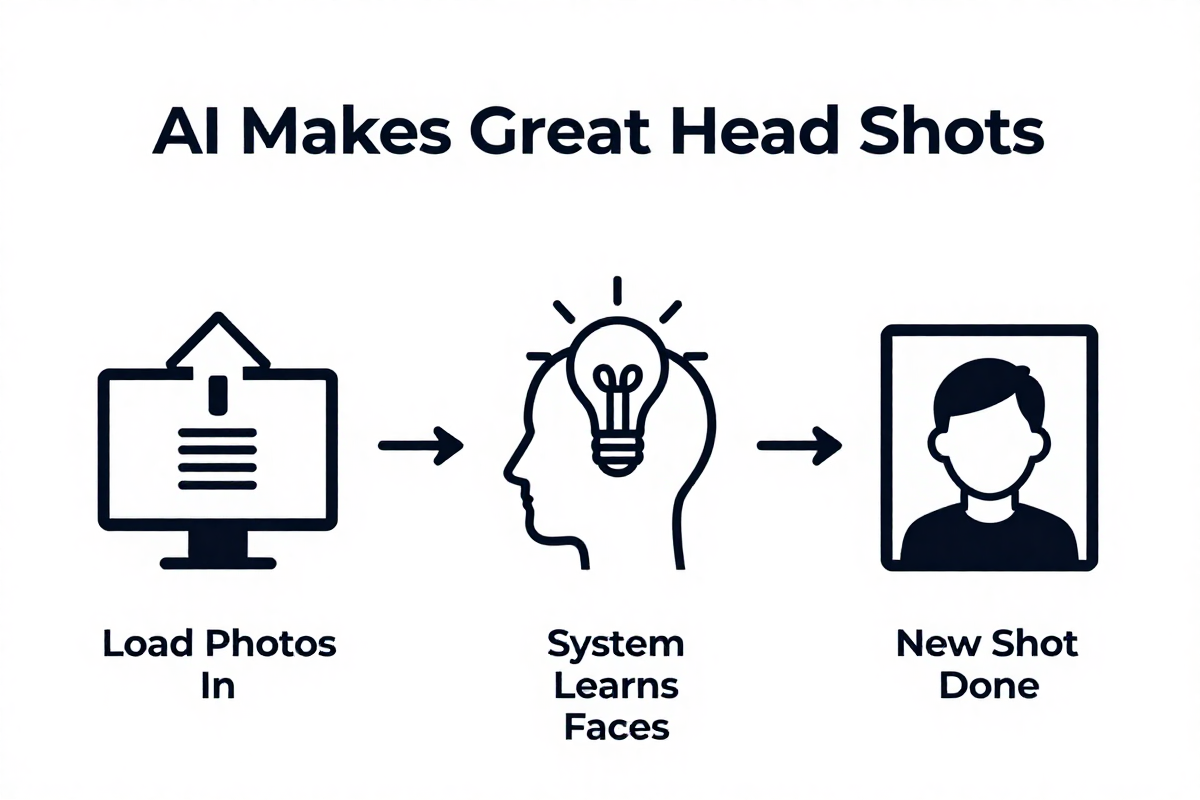
AI headshot generators use generative AI, specifically diffusion models, to produce professional-looking portraits. Think of it like this: the AI starts with total noise, then slowly “paints” a face based on what it has learned from thousands of professional headshots.
These models have been trained on a massive dataset analyzing everything from lighting and facial symmetry to outfit styles and background depth. It is why they can mimic the look and feel of a professionally taken photo.
But here’s the kicker: it isn’t free for the platforms. Each time an AI headshot generator trains a model on your photos, the website incurs a cost—roughly $2 to $6. This is why many platforms don’t offer free trials; they have to cover these expenses.
It explains the pricing model. Some offer a lower price point with limited options, while others charge more for advanced editing or higher resolution outputs.
Top rated AI headshot generators for 2026
The AI headshot generator market has exploded, but quality varies wildly based on price. Our 2025 tests revealed a direct trade-off: you often get what you pay for in terms of resemblance accuracy.
Here’s a quick rundown:
- Unrealshot AI: at 8.99$ for 15 photos, for most hyper-realistic photoshoots.
- Photographe.ai: At $9 for 250 photos, it’s the budget king, offering speedy generation and an 80% resemblance rate.
- PhotoAI.com: Costs $19 for 100 photos. Expect good quality, but be warned—the AI sometimes forces unnatural smiles, impacting likeness (around 60%).
- Betterpic.io & HeadshotPro.com: These are pricier, at $29-35 for 20-40 photos. You’ll get studio-quality results, but customization is limited, and resemblance can dip as low as 20%.
- Aragon.ai: Costs $35 for 40 photos. It provides decent variety, but users often report issues with consistent smiles and hairstyles.
Canva and ChatGPT-4o? Forget about them if you need realistic, professional-grade headshots that actually look like you. They’re just not up to par.
The bigger problem is how these platforms achieve likeness. Most AI headshot generators require you to train a model on several of your photos. And that costs the website money (between $2-$6).
It also comes with a privacy trade-off. Are you comfortable uploading dozens of photos to a random website? We built UnrealShot AI with a privacy-first approach. You don’t need to upload hundreds of selfies; just a few will do, and we ensure your data is protected.
Consider what you will use the headshots for. If it’s just for a social media avatar, Photographe.ai might suffice. But for professional platforms like LinkedIn, where your headshot is your first impression, you might want to invest in a tool that prioritizes accuracy and avoids the dreaded “forced smile” effect.
Photographe.ai for high volume and speed
Photographe.ai is the go-to if you need a pile of headshots without breaking the bank. At just $9 for 250 photos, it’s hard to argue with the price.
The big selling point? Speed and volume. According to user feedback, you can generate a boatload of options fast, which is ideal if you’re A/B testing different looks across various platforms. But (there’s always a “but,” isn’t there?) don’t expect perfection.
- Price: $9
- Photos: 250
- Resemblance Accuracy: 80%
- Speed: Fastest Generation
The resemblance accuracy hovers around 80%, which means that while most of the generated headshots will look like you, some might need a little tweaking or just be outright duds. It’s a trade-off: you get a lot of shots quickly and cheaply, but you sacrifice a bit on the “spitting image” factor.
For social media avatars or internal team directories where hyper-realism isn’t crucial, Photographe.ai is a solid choice. And for professional platforms where your headshot is your first impression, tools like UnrealShot AI offers a privacy-first approach with more likenesses.
PhotoAI.com and the challenge of forced smiles
PhotoAI.com provides good quality headshots, but you might end up looking like you just walked out of a toothpaste commercial. For $19, you get 100 photos, which seems like a steal until you realize many of them feature an unnaturally wide, forced smile.
The issue? The AI appears to be a little too enthusiastic about dental hygiene.
This “forced smile” problem significantly impacts resemblance. Users report that while the base image quality is decent, the artificial smiles distort facial features, dropping the likeness to around 60%. It’s like the AI is trying to give you the perfect grin, even if it’s not naturally you.
Here’s a quick breakdown:
- Price: $19
- Photos: 100
- Resemblance Accuracy: 60% (due to forced smiles)
- Quality: Good base image quality
But, is a slightly-off headshot worth the risk? For casual use, maybe. But for professional branding, where authenticity is key, that unnatural smile can be a deal-breaker. It’s better to aim for a genuine, natural look that reflects your true personality.
Our team at UnrealShot AI believes your headshot should represent you, not a caricatured version. So, we’ve focused on identity retention, ensuring the generated images accurately reflect your unique facial features and expressions—no forced smiles necessary.
What’s next? Let’s talk about Betterpic.io & HeadshotPro.com.
Betterpic and HeadshotPro for studio quality
Betterpic.io and HeadshotPro.com deliver studio-like results, but at a steep price—both in dollars and flexibility. Expect to shell out $29-$35 for a measly 20-40 photos, and brace yourself for limited customization options.
The upside? These platforms often nail that polished, “straight out of a studio” aesthetic. But, real talk, how much does that matter if the person in the photo barely resembles you?
Resemblance accuracy on these platforms can be as low as 20%. So while you might get a technically perfect image, it might not actually look like you. Ouch.
Here’s what you’re signing up for:
- Price: $29-$35
- Photos: 20-40
- Resemblance Accuracy: 20%
- Customization: Limited
And with limited customization, you’re stuck with whatever the AI spits out. Want to tweak the background? Good luck. Need a different outfit? Not happening. This lack of control can be frustrating, especially when you’re paying a premium price.
It’s worth asking yourself: Is a perfect background worth sacrificing your actual likeness? For some, the answer might be yes. But if you value looking like you, even if it means a slightly less “perfect” photo, there are better options.
We, at UnrealShot AI Team, believe you shouldn’t have to choose between quality and resemblance. That’s why we prioritized both in our platform. Next up: Aragon.ai.
UnrealShot AI for hyper-realistic resemblance
UnrealShot AI prioritizes identity retention for hyper-realistic headshots, because your professional image hinges on authentic representation. It’s especially critical for freelancers and business owners, where your LinkedIn profile or website is often the first point of contact.
Why does this matter?
Because a generic, studio-perfect photo that doesn’t look like you undermines trust. Potential clients or employers are looking for you, not a polished but ultimately fake version. We built UnrealShot AI to bridge this gap.
Instead of forcing awkward smiles or generic hairstyles, our AI is trained to maintain your unique facial features and expressions. This means the headshots you get will not only be high quality but also genuinely resemble you.
The approach matters. With UnrealShot AI, you don’t need dozens of photos for training. A few snapshots are enough to generate a set of professional, hyper-realistic headshots that reflect your true likeness.
Ready to see the difference?
Why Canva and ChatGPT fail at professional headshots
Canva AI and ChatGPT-4o can whip up an image, but don’t expect them to generate a realistic, lookalike headshot. These tools are designed for broad creative tasks, not the nuanced precision required for professional branding.
It’s like using a sledgehammer to crack a nut; you might get the job done, but the results will be messy. The issue? Lack of specialized training.
While AI headshot generators train their models on thousands of professional portraits, general-purpose tools like Canva AI and ChatGPT-4o are trained on a much wider range of images. They are not optimized for the specific features that make a headshot look professional and, more importantly, like you.
Here’s why they fall short:
- Generic outputs: Expect cookie-cutter results that lack the individuality and authenticity needed for a strong professional image.
- Inconsistent resemblance: The AI struggles to accurately reproduce your facial features, resulting in headshots that barely resemble you.
- Limited customization: You’re stuck with the AI’s interpretation of “professional,” with little control over clothing, backgrounds, or even facial expressions.
For social media avatars where a generic image is acceptable, these tools might suffice. But on professional platforms like LinkedIn, where your headshot is your first impression, using a generic AI-generated image can undermine trust and credibility. The truth is, a bad headshot is worse than no headshot.
Our UnrealShot AI team focused on the subtler elements for our tool, such as lighting, facial symmetry and outfit styles, to create professional-looking headshots. Because we believe your headshot should not just be a photo, it should be a true representation of you.
So, what’s the next step to consider?
How to get the best results from your upload
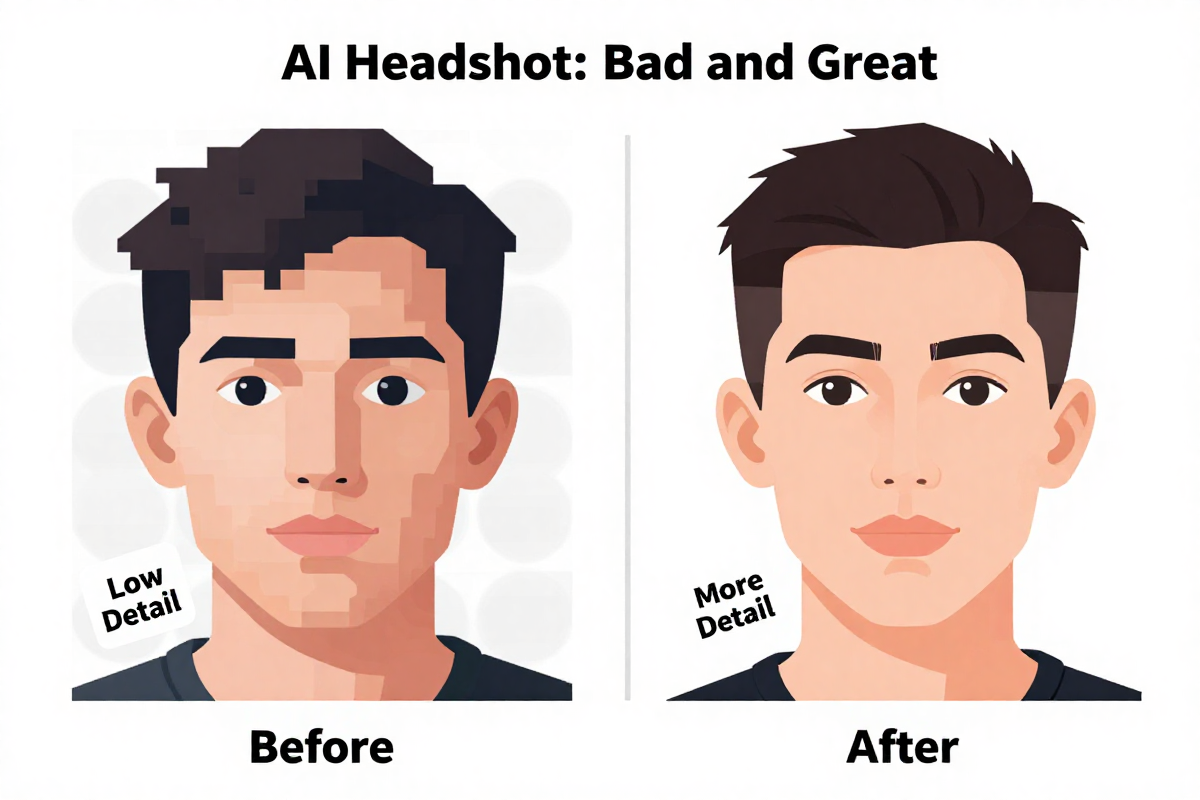
To get the best results from your upload, focus on the quality of your source images. The AI is only as good as the data you feed it.
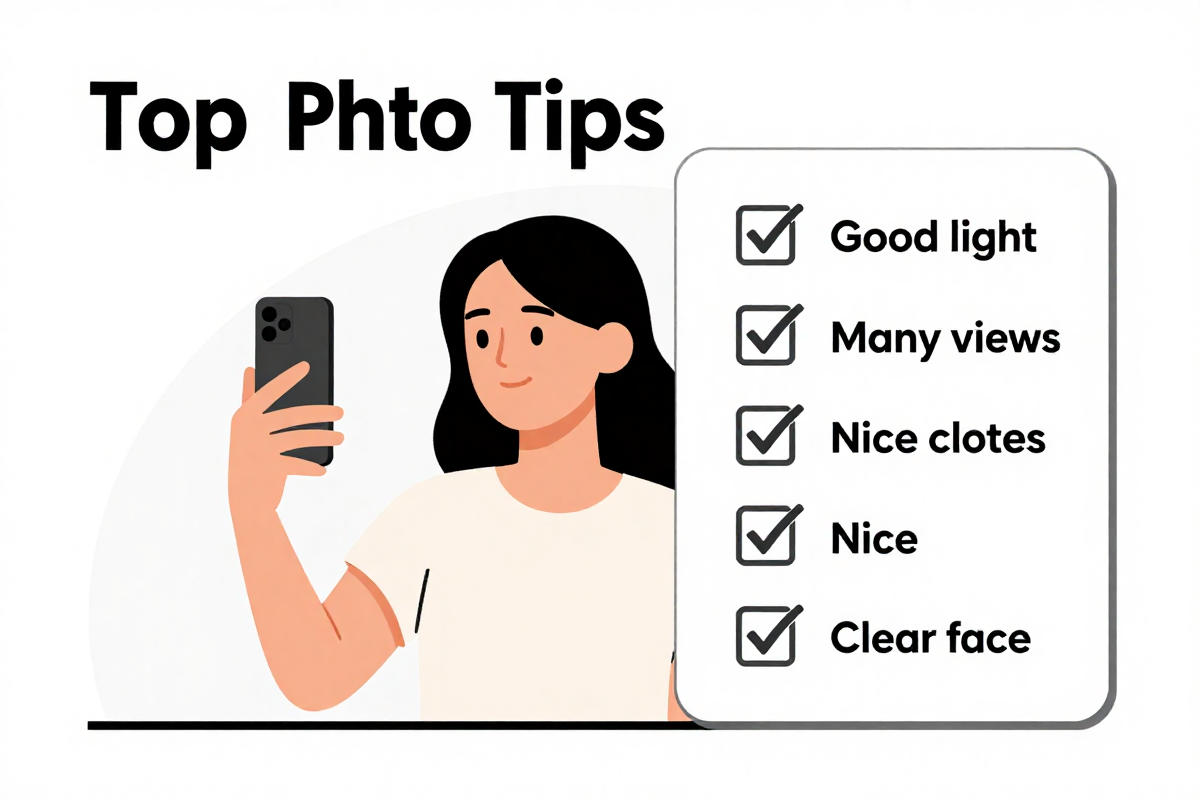
Lighting, angles, and clothing choices in your selfies dramatically impact the final headshot. So pay attention to those details.
- Lighting: Natural, even lighting is your best bet. Avoid harsh shadows or overexposed areas, as these can distort your facial features.
- Angles: Provide a variety of angles. A mix of straight-on, slightly angled, and profile shots gives the AI a more complete picture of your face.
- Clothing: Choose outfits that are similar to what you’d wear in a professional setting. Variety is key.
And don’t just snap a bunch of random selfies. Aragon AI provides a comprehensive guide on selecting the right input photos to ensure the AI maintains facial accuracy.
The more information you give the AI, the better it can do its job. Think of it like teaching a child to draw your portrait; the more references they have, the more accurate their rendition will be. It’s also important to remember the AI is only as good as the data you provide. We built UnrealShot AI to work with a minimal amount of images uploaded.
Best backgrounds for different professional contexts
Selecting the right background for your headshot is not just about aesthetics; it’s about contextual branding. Your industry dictates the vibe.
Do you want to project stability, innovation, or approachability? Backgrounds are not a universal choice. What works for a tech startup won’t fly in a law firm.
- Tech/Startups: Go for blurred office environments, or even outdoor shots with natural light. It conveys innovation and dynamism.
- Law/Finance: Opt for solid, neutral colors. A gray or navy background projects professionalism and reliability.
- Creative Fields: A slightly textured or subtly colored wall can add personality without distracting from you.
Corporate headshot backgrounds are an important decision, so do not rush through these considerations. Because personal branding styles should complement, not clash.
But let’s be honest: even the best background can fall flat if the lighting is off. Harsh shadows, overexposure, or weird color casts can undermine the overall effect. Aim for soft, even lighting that illuminates your face without creating distractions.
For the best outcome from your upload, make sure to follow the correct procedure. Our team at UnrealShot AI can offer a privacy-first method with more likenesses.
Data privacy and ethical rules for AI images
AI-generated headshots walk a tightrope regarding data privacy and ethical use. Because the convenience comes with real risks.
The biggest concern? How these platforms handle your selfies. Are they stored securely? Are they used for further model training without your consent? It’s not always clear.
- Transparency is paramount.
Ideally, the platform should explicitly state how your data is used, how long it’s stored, and whether you can request its deletion. Many don’t.
Leading platforms like Pixelbin implement strict security measures to ensure user selfies are deleted after the model training is complete. But this is not standard practice. So read the fine print.
And what about the potential for misuse? AI-generated images can be used to create deepfakes, impersonate individuals, or spread misinformation.
It’s a slippery slope, and the technology is outpacing the ethical frameworks needed to govern it. That’s why it’s crucial to choose platforms that prioritize ethical AI practices.
Our team at UnrealShot AI built our platform with a privacy-first approach. We minimize the data we collect, ensure secure storage, and provide clear, transparent policies about data usage. Because your privacy matters.
What’s the next step for getting the best result from the platform?
Transparency and the risk of identity theft
AI transparency is non-negotiable; know what you’re signing up for when you create an AI-generated headshot, because your digital identity is at stake. Many platforms lack clear guidelines on image usage, storage, and deletion, leaving you vulnerable.
The core problem? It’s easy to misrepresent yourself. And even easier to have your identity stolen.
The rise of AI-generated imagery brings potential identity theft, and ethical image usage is on the line. It is why platforms offering human editing support are more important than ever to maintain authenticity.
But let’s be frank.
Simply generating a ton of headshots doesn’t address the underlying ethical challenges or the risk of misrepresentation.
- Transparency is not a feature; it’s a responsibility.
For example, a seemingly harmless headshot could be used to create a fake online profile or even for malicious purposes like phishing scams. Because the lines between real and fake become blurred, particularly if the AI-generated image is hyper-realistic.
Also, platforms that offer human editing support provide an added layer of security and authenticity. It helps you verify that the generated headshot accurately represents you and aligns with your personal brand.
We at UnrealShot AI Team want you to be completely satisfied, while minimizing data collected, ensuring secure storage, and providing clear policies.
What do you need to get the best results from uploading?
What to expect from AI headshot technology next
Video headshots are coming. Forget static images; expect real-time AI-driven portraits that capture your expressions in motion by late 2026.
Think of it like a Zoom filter, but instead of cartoon ears, it subtly enhances your features and adjusts the lighting to professional standards. It is more than just a static image, it’s a dynamic representation.
- Imagine a LinkedIn profile that isn’t just a photo, but a short, engaging video loop.
Then comes full-body AI posing. By 2027, the technology will extend beyond headshots to full-body portraits, meaning you can dictate a whole new level of AI integration.
You’ll specify poses, outfits, and even environments, allowing for hyper-personalized branding across all your platforms. The issue is “how to train” the AI.
It is important that the tools integrate directly with platforms like Zoom, Teams, and Google Meet. Imagine the AI analyzing your camera feed in real-time, tweaking your appearance to look your best during virtual meetings without manual adjustments.
The goal is a unified, polished presence across all your professional touchpoints. It’s convenient, yes, but can it retain your identity accurately? We at UnrealShot AI Team want to make sure that the AI is representing you, not a caricatured version. So get ready for a whole new world of AI integration.
Common questions about AI headshots
AI headshot FAQs address lingering concerns about image quality and cost. Because it’s a new field.
So, let’s tackle some common questions:
- How much does a professional headshot cost? Traditional photographers can charge anywhere from $150 to $500+ for a single headshot.
- Are AI headshots high quality? Yes, but it depends on the platform. Some generate hyper-realistic results, while others produce generic-looking images.
- Can I use AI headshots for my LinkedIn profile? Absolutely, as long as the headshot accurately represents you and maintains a professional appearance.
The bigger question is, are you comfortable uploading your images to just any platform?
What happens with the images after processing? Are they stored securely, and can you request their deletion?
These are critical data privacy concerns to consider. And you will need to know the answer.
At UnrealShot AI, we prioritize data privacy and ethical AI practices. Our platform minimizes data collection, ensures secure storage, and provides transparent policies on data usage, so you can confidently create professional headshots without compromising your privacy.
What’s the best process for uploading to these platforms?
Can I use AI headshots for my passport?
AI photos aren’t ready for your passport, because government agencies still demand photos captured by a camera, not generated by an algorithm. Think of it this way: your passport photo is a legal document, and AI-generated images still live in a bit of a legal gray area.
The US Department of State, for instance, requires a recent photo that accurately depicts your current appearance (no filters or digital alterations). And that means it needs to be the real you as you look today, not an AI’s best guess.
Here’s what you need to keep in mind:
- No digital alterations: AI touch-ups, no matter how subtle, are a no-go.
- Authenticity is key: The photo needs to be a true representation of you, not an idealized or altered version.
- Camera-captured: It must be taken with a camera.
You may not want to risk rejection with an AI-generated image, especially when passport applications already have a long process time. And just because an AI can create a convincing image doesn’t mean it meets the strict requirements of government IDs. Don’t risk it.
How long do AI headshots take to generate?
Generating AI headshots takes minutes, not days. Most AI-powered design tools produce full sets in less than an hour, offering a stark contrast to traditional photography’s longer timelines.
Think about it: booking a photographer, finding the right lighting, sitting for the shoot, and then waiting days (or even weeks) for the final edits. AI skips all that.
With UnrealShot AI, you can upload a few reference images, choose the look you want, and receive a full set of polished options in roughly 45 minutes. The speed is especially handy when you need a last-minute update to your LinkedIn profile or a quick refresh of your website headshot.